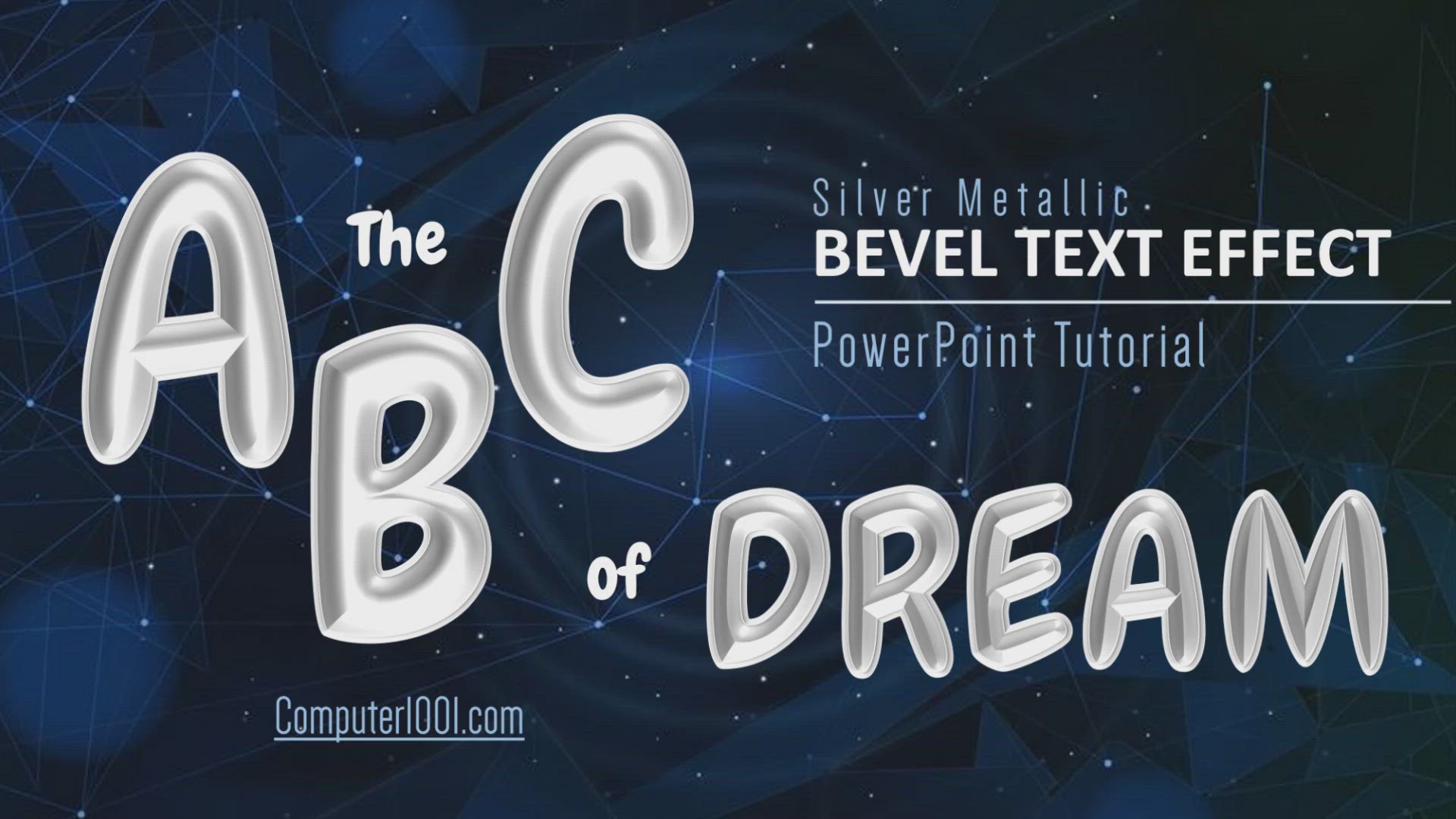
Metallic Bevel Text Effect PowerPoint Tutorial
How to create Metallic Bevel Text Effect in PowerPoint. Fonts: ● Chewy (fonts.google.com) ● Babycakes (fontspace.com) See here: ● 36 Balloon Fonts https://bit.ly/3s2lb86 ● 60 Handwritten Fonts for Poster and Logo https://bit.ly/3Rt8lL4 ---------------
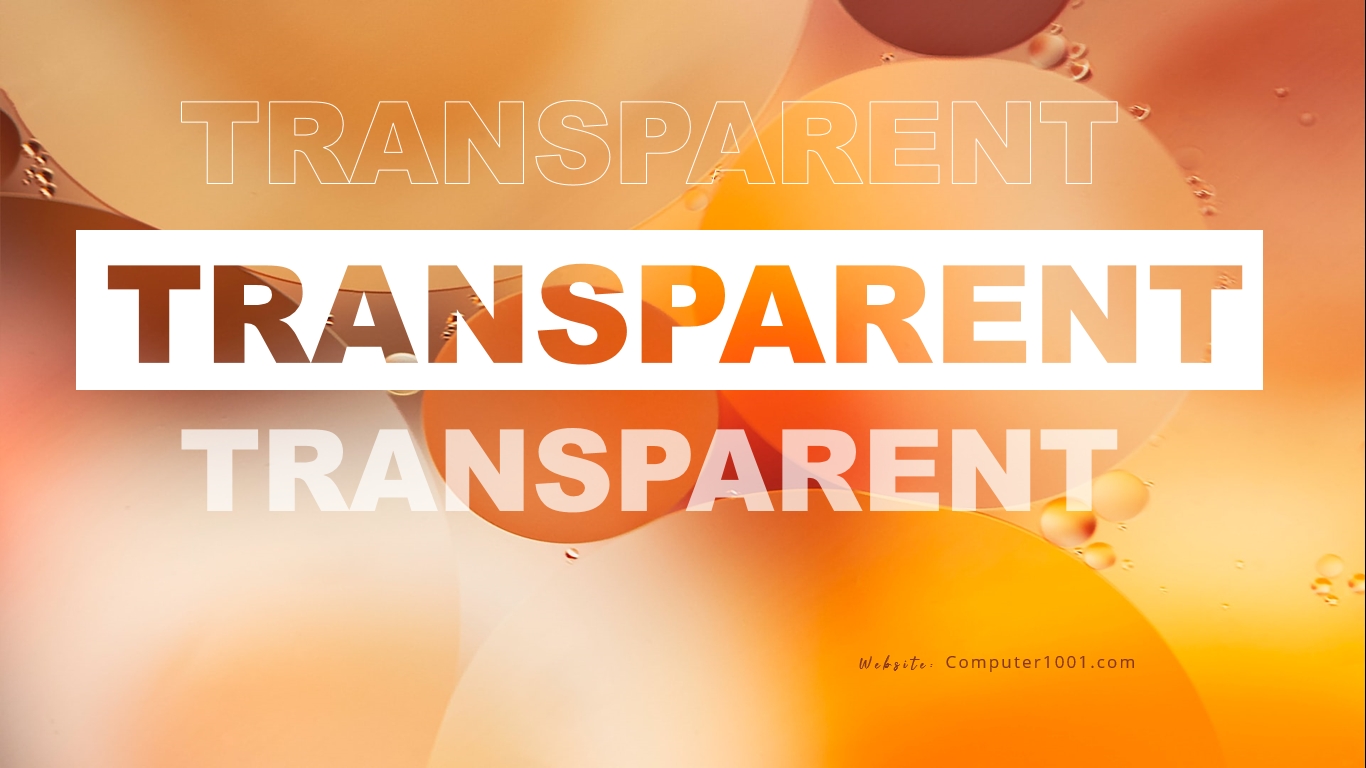
Create Transparent Text Effect in PowerPoint
There are 3 ways to make transparent text effect in PowerPoint. --------------------------------------------------- Free Fonts, Backgrounds & Illustrations: ● Creative Fabrica: https://www.creativefabrica.com/ref/2... ----------------------------------
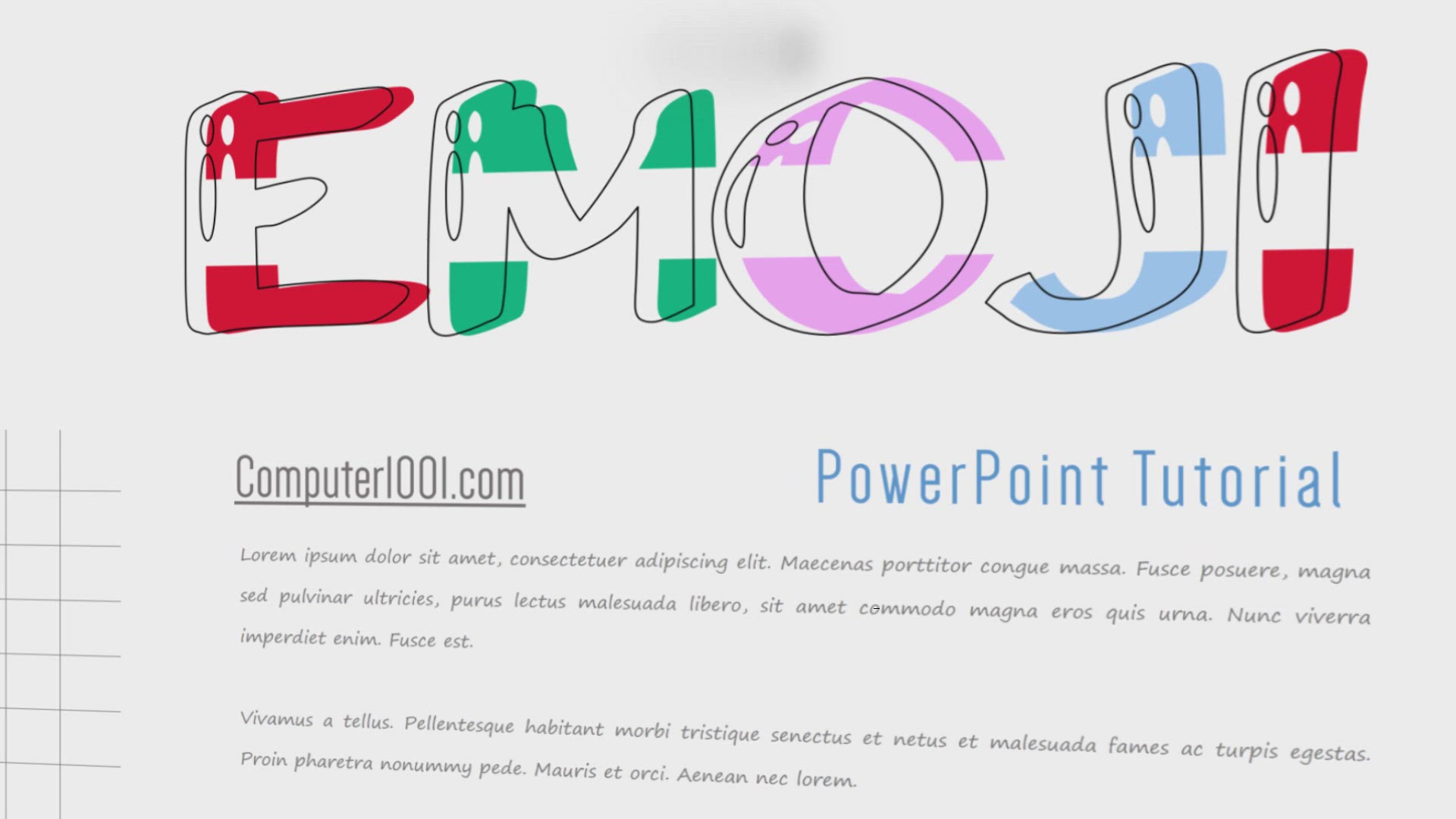
Overlay Outline Text Art PowerPoint Tutorial
Create beautiful overlay outline text art in PowerPoint. Font: ● A Arush Shiny (Dafont.com) See here: ● 36 Balloon Fonts https://bit.ly/3s2lb86 ● 60 Handwritten Fonts for Poster and Logo https://bit.ly/3Rt8lL4 ----------------------------------------

Create 3D Text in PowerPoint (1)
This tutorial will show you how to create stunning Long Shadow 3D Text Effect in PowerPoint. Fonts: ● Monoton (fonts.google.com) ● a Arush Shiny (Dafont) ----------------------------------------------------- This video is Part 1 of How to Create 3D Text

Create 3D Text in PowerPoint (2)
Create 3D cartoon text effect in PowerPoint. Fonts: ● a Alloy Ink (Dafont) ● Luckiest Guy (fonts.google.com) ----------------------------------------------------- This video is Part 2 of How to Create 3D Text Effects in PowerPoint. ---------------------